

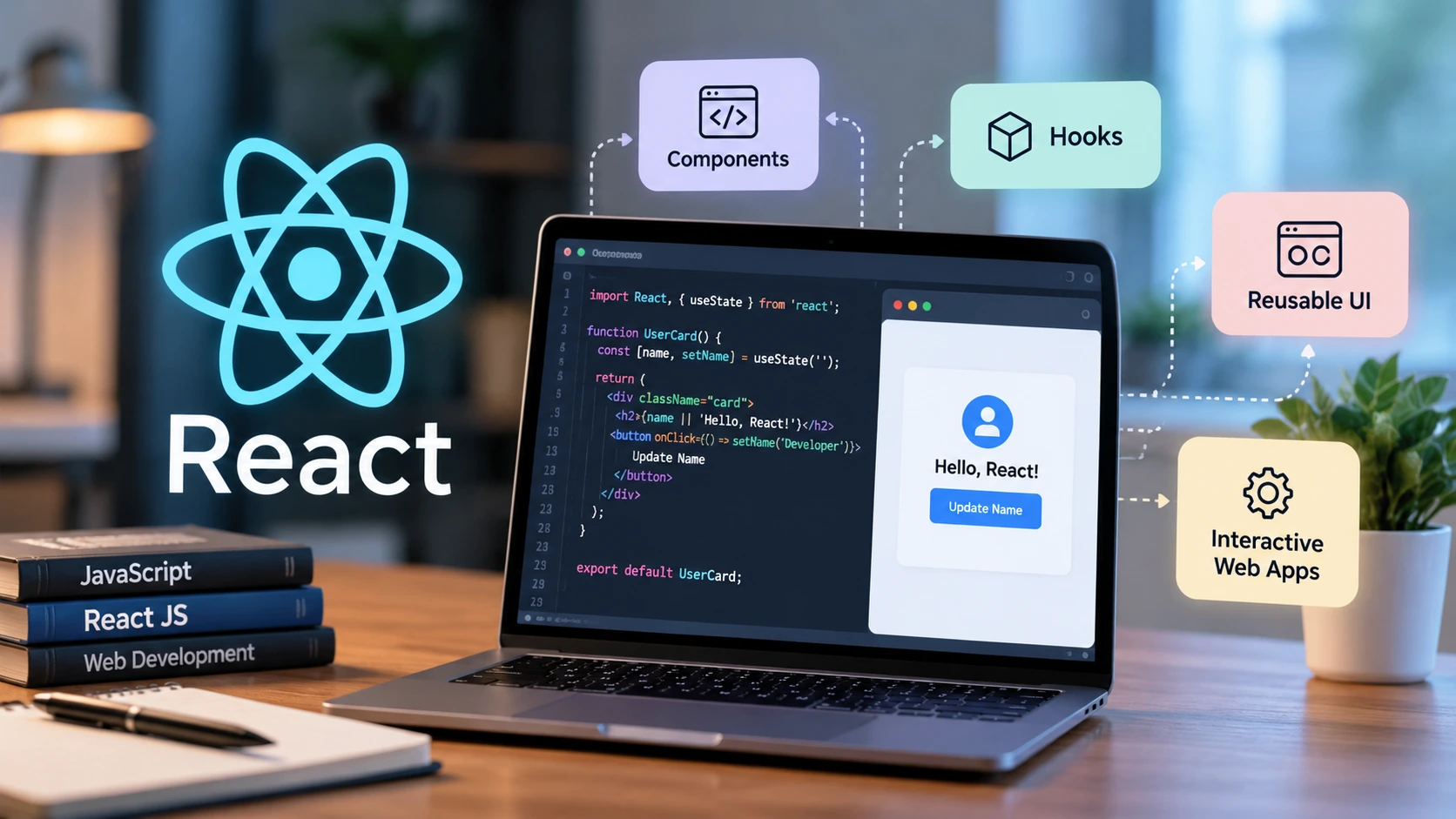
Why React?
Before I really understood React JS for Beginners, I was building interfaces the old way — grabbing elements with document.getElementById, manually updating their text or classes whenever something changed, and praying I hadn’t forgotten a spot. It works fine for a button and a form. It falls apart the moment your app has a dashboard with five widgets that all depend on the same piece of data. Update one thing, forget to update the other four, and now your app is lying to the user.
React’s answer to this is almost stubbornly simple: don’t touch the DOM yourself. Describe what the UI should look like for a given state, and let React work out what actually needs to change. The first time this clicked for me, it felt like cheating. I stopped writing “update this specific element” and started writing “here’s what this component looks like when the data looks like this.” React handles the diffing, the re-rendering, and all the fiddly bits I used to get wrong.
Components Are Just… Functions
I think a lot of the intimidation around React comes from vocabulary before it comes from actual difficulty. For anyone exploring React JS for Beginners, the term “component” might sound like something out of an engineering textbook. In practice, a component is a function that takes some input and returns some markup. That’s it. You write a UserCard function, hand it a name and a photo, and it spits out a little card. Need ten user cards? Call the function ten times with different data. You already know how to do this — it’s the same instinct as writing any reusable function, just applied to pieces of interface instead of pieces of logic.
Where it gets genuinely interesting is composition. Small components combine into bigger ones, bigger ones combine into pages, and suddenly you’re building complex screens out of pieces you can test and reason about individually. I didn’t appreciate this until I had to fix a bug in a teammate’s code at 11pm. Because everything was broken into small, self-contained pieces, I could isolate the problem to one component in about five minutes instead of scrolling through six hundred lines of tangled DOM manipulation.
Hooks Changed the Rules, and For the Better
If you learned React before hooks existed, you remember class components — `this.setState`, lifecycle methods with names like `componentDidMount`, and a general sense that you were writing ceremony instead of code. Hooks, especially `useState` and `useEffect`, cut through a lot of that. Now a component can hold its own memory and react to changes without wrapping everything in a class. It reads more like plain JavaScript, which honestly is the biggest reason I recommend it to people learning to code alongside Python or any other language — the mental model transfers.
That said, I won’t pretend hooks are painless. `useEffect` in particular has a reputation for being the thing that quietly breaks your app if you don’t understand its dependency array. I’ve lost an afternoon to an infinite re-render loop caused by an object I forgot I was recreating on every render. It taught me to actually think about *why* a component re-renders instead of just hoping for the best. That lesson alone was worth the headache.
Is It Worth Learning?

I get asked this a lot, usually by people comparing it to Vue or plain JavaScript. My honest answer: React isn’t the only good option, but it’s the one with the biggest job market, the deepest ecosystem, and the most battle-tested patterns for handling state at scale. If you’re building anything beyond a static page — anything with forms, live data, or a UI that needs to respond to user actions in more than one place — React will save you from writing the same bug five different ways. React JS for Beginners is a great starting point for anyone who wants to understand these concepts and build interactive, modern web applications.
React and Django offer different approaches to building modern web applications. While React helps developers create interactive user interfaces, Django provides a Python-based framework for handling backend logic and data. To discover more about Django’s features and advantages, read “Why I Actually Like Working With Django.”