

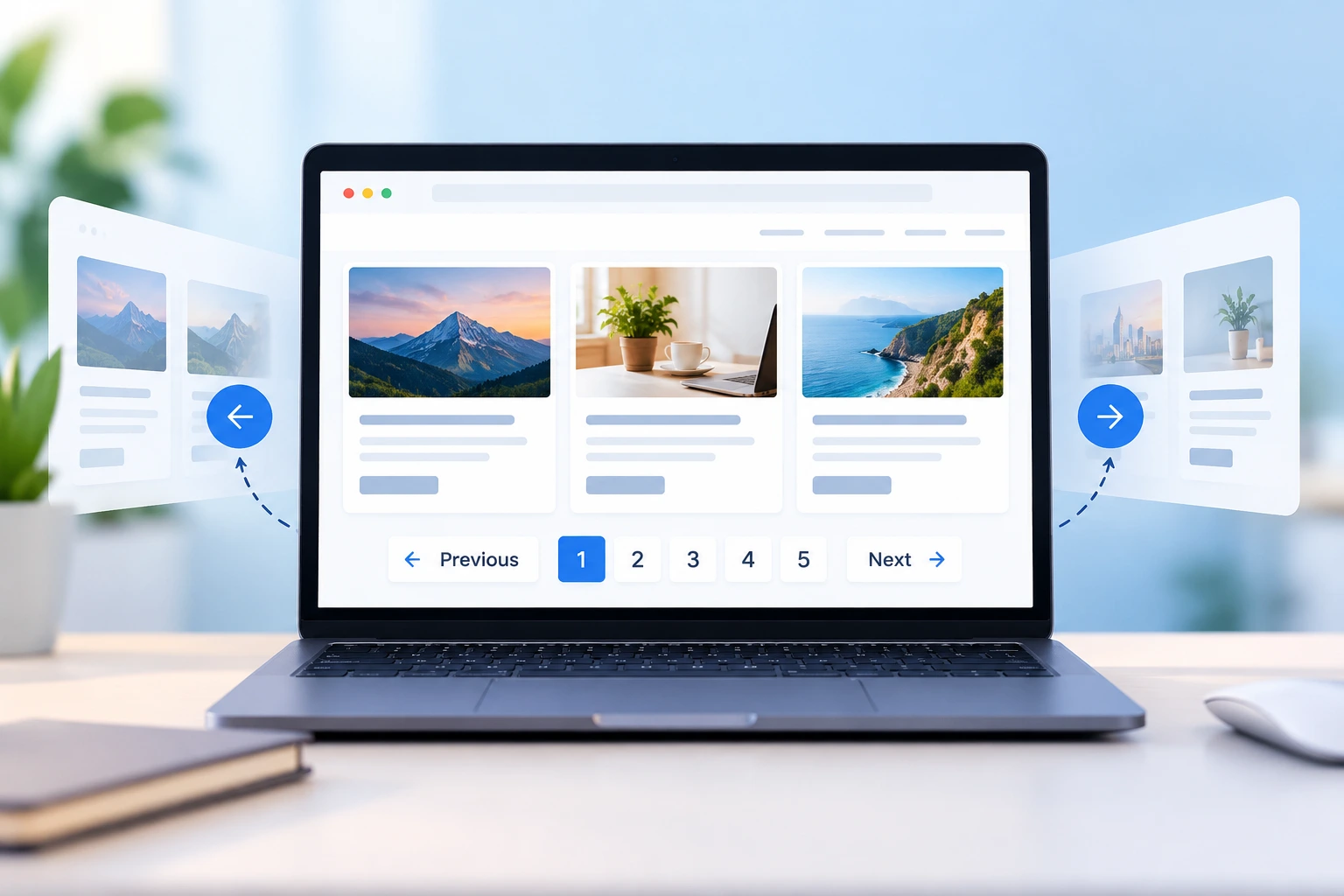
Think about an online shop with 20,000 products. If all of them loaded on one page, the browser would hang, the scrollbar would be tiny, and most people would close the tab. Pagination is the fix for this. It is a basic feature, but it affects speed, usability and search ranking more than most people expect.
What is pagination?
Pagination means dividing a large set of data into smaller pages. Instead of loading everything together, the site shows 10 articles or 20 products at a time and gives the user buttons to move to the next set. You have seen this on Google search results, blog archives, shopping sites, admin panels and comment sections.
Why we use it
The first reason is speed. Fewer items means a smaller response and faster loading. Getting 20 rows from a database is much cheaper than getting 20,000, and the difference is clear on mobile phones with a slow connection.
The second reason is ease of use. Nobody reads 500 items in one go. Small pages are easier to scan, and page numbers tell the user how far they have gone and how much is left. They can also come back later and say, “I was on page 4.”
The third reason is server safety. A query with no limit can slow down or even crash an application when traffic is high. Pagination sets a maximum on how much data one request can ask for.
The fourth reason is SEO. Search engines can crawl several small pages more easily than one huge page, so your older content also gets indexed.
Types of pagination
Numbered pagination is the one everyone knows: Previous, 1, 2, 3 and Next. Users can jump to any page they want, so it works well for search results and product listings.
A Load More button adds the next set of items below the current ones when the user clicks it. The page does not reload, and it feels natural on mobile.
Infinite scroll loads new items automatically as you scroll down. Instagram and Facebook use it. It is good for casual browsing, but it has problems. The footer is hard to reach, you lose your position if you leave the page, and it is difficult for people who use screen readers or keyboards.
Offset vs cursor pagination
On the backend, the most common method is offset pagination. You tell the database to skip some rows and return the next few. For example, LIMIT 20 OFFSET 100 skips the first 100 rows and gives you the next 20. It is easy to write and lets you jump to any page, but it has two problems.
One, it becomes slow on large tables. Even to skip 100,000 rows, the database still has to go through all of them. Two, the results can be wrong when data changes. Suppose a new record is added while someone is moving from page 1 to page 2. That person may see the same item twice or miss one.
Cursor pagination, also called keyset pagination, avoids both problems. Instead of asking for page 5, you ask for the 20 items after a particular record, using something unique like an ID or a timestamp. It stays fast no matter how deep you go, and the results stay consistent. The downside is that you cannot jump straight to page 50. That is why it is mostly used for feeds and very large datasets.
Good practices
Pick a sensible page size. If it is too small, users have to keep clicking. If it is too big, you lose the benefit. Between 10 and 50 items is fine for most cases.
Show where the user is. Display the current page and the total number of pages or results.
Make the buttons easy to tap. Small links are frustrating on a phone, and Previous and Next should be clearly visible.
Use proper URLs. Something like /blog?page=3 lets people bookmark and share a page, and search engines can crawl it. Understanding how web applications handle requests and data is also useful when exploring APIs and their role in web development.
Always sort the data in a fixed order. If the order is not stable, the same item can appear on two pages or disappear completely.
Handle wrong requests. If someone opens page 999 and it does not exist, show a clear message or redirect them to the last page. Do the same for empty results.
Think about accessibility. Use real links or buttons, label the navigation area, and mark the current page so screen readers can read it out.
Conclusion
Pagination looks like a small feature, but it decides how fast your site loads, how easily people find things, and how well your server handles growing data. Whether you are building a blog, a shop or a dashboard, spend a little time planning it properly, because it is much harder to fix later.